
Article body
Full article
1. Why Do AI Agents Need CLI?
Since 2025, AI Agent development has entered the “tool-use” era. Claude Code can read and write code files in the terminal, Codex can execute GitHub operations, and OpenClaw can manage daily affairs—the common characteristic of these Agents is that they interact with systems through Command Line Tools (CLI).
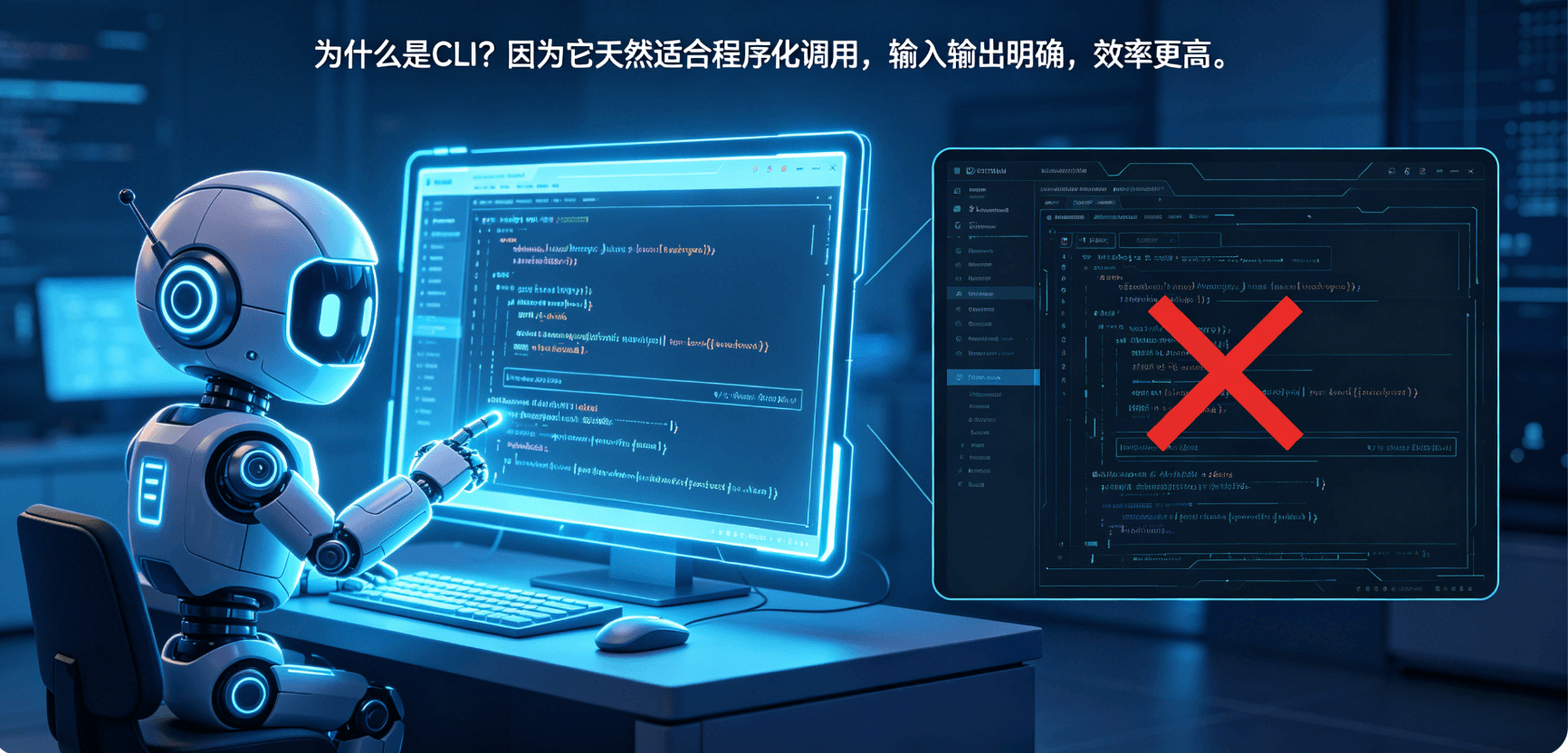
Why CLI instead of GUI? Because CLI is naturally suited for programmatic invocation. Every command has clear input parameters and structured output, allowing Agents to precisely construct commands, parse results, and decide on next steps. GUI requires simulating clicks, waiting for rendering, and screenshot recognition—not only inefficient but also unreliable.
In the BI domain, this need is even more urgent. If you want an AI Agent to help you create a dashboard, the Agent needs to:
- View available data connections
- Browse dataset structures
- Understand metric definitions
- Create dashboard framework
- Add charts
- Configure filters
- Set permissions
- Publish and deliver
Each of these eight steps requires a stable, programmable, and predictable interface.
HENGSHI CLI is this interface. It abstracts all BI operations in HENGSHI SENSE into a set of command-line tools, using hbi as the unified entry point, enabling AI Agents to complete full-chain BI engineering operations through structured commands.
2. Why Choose Rust?
HENGSHI CLI is implemented in Rust—this technology choice deserves detailed discussion.
In the CLI tool domain, mainstream choices are Python (fast development), Go (high-concurrency services), and Node.js (frontend-team friendly). Hengshi’s reasons for choosing Rust:
Single Binary Distribution: A Rust compilation produces a single independent binary file without requiring a runtime environment. For CLI tools, this means “download and use”—no need to install Python/Node.js or manage dependencies.
High Performance: Rust’s performance is close to C/C++. For CLI tools that need to frequently interact with APIs and process large amounts of structured data, this performance advantage is significant.
Safety: Rust’s memory safety guarantees (ownership system, borrow checker) can eliminate most memory-related bugs at compile time. This is very important for tools handling credentials and sensitive data.
Cross-Platform: Rust naturally supports cross-compilation, compiling binaries for Linux, macOS, and Windows separately, facilitating deployment in different environments.
From an engineering perspective, although Rust’s learning curve is steep, for a production-grade CLI tool targeting AI Agents, its advantages far outweigh the development cost.
3. Agent-first Design Philosophy
HENGSHI CLI is not a “command-line tool for humans” that Agents can also use incidentally. From the very beginning of design, AI Agents are treated as first-class users.
This “Agent-first” design philosophy is reflected in the following technical decisions:
3.1 Structured Output
CLI output formats natively support JSON, YAML, and Table formats. This is very important for AI Agents—the Agent doesn’t need to extract key information from results through regular expressions or string parsing; it directly receives structured data.
# Table format (human-readable)
$ hbi dataset list --app retail-ops
NAME                METRICS    DIMENSIONS
sales_daily         12          8
customer_profile     6           14

# JSON format (Agent-readable)
$ hbi dataset list --app retail-ops --output json
[{"id":"sales_daily","metrics":12,"dimensions":8}]
3.2 Help-first Convention
Before formally executing any Skill, the default behavior is to first execute --help to view usage instructions. This means when an Agent “doesn’t know how to do something,” it first reads the documentation rather than guessing parameters.
# Agent execution flow:
# Step 1 (automatic): hbi data-model --help → understand data-model subcommand usage
# Step 2 (automatic): hbi data-model query --help → understand query subcommand parameter format
# Step 3 (execute): hbi data-model query --app retail-ops --dataset sales_daily "SUM({amount})"
3.3 Dry-run Preview Mechanism
Before executing any operation with side effects, the Agent can add the --dry-run parameter for preview. The preview outputs “what will happen if executed” but doesn’t actually execute.
$ hbi authorize grant app app_42 --user 123:editor --dry-run
Dry run passed · changes not applied
Preview: editor access -> retail-ops (app_42)
3.4 SSE Real-time Sync
CLI doesn’t lock results in the terminal. Every operation executed by the Agent is broadcast in real-time to the Web UI through SSE (Server-Sent Events).
$ hbi element filter update filter_9 \
    --dashboard dsh_2048 \
    --app retail-ops \
    --file filter.yaml
SSE broadcast published
Web UI refreshed
4. 16 Skills: Complete Coverage from Authentication to Scheduling
A major highlight of HENGSHI CLI is its repo-managed Skills system. 16 Skills cover the full chain of BI engineering, from basic authentication to automated scheduling. Each Skill corresponds to a professional domain.
These Skills are not hard-coded in the CLI binary but organized in a repo-managed way—each Skill is an independent, version-controllable definition file stored in the project’s .hbi/ directory.
4.1 Foundation Layer (4 Skills)
hbi-core is the foundation of all other Skills. It handles authentication management, preference settings, and version negotiation.
4.2 Data and Semantic Layer (4 Skills)
hbi-data is the core Skill of the data layer. Its design follows the “connection → dataset → metric” cognitive path:
# Step 1: View available data connections
$ hbi connection list --output json
[{"id":"conn_7","type":"mysql","host":"rds.xxx","database":"retail"}]

# Step 2: Create dataset based on connection
$ hbi dataset create --app retail-ops \
    --connection conn_7 \
    --name "Sales Details" \
    --tables "orders,customers,products"

# Step 3: Define metrics on the dataset
$ hbi indicator create --app retail-ops \
    --dataset sales_daily \
    --name "GMV" \
    --hql "SUM({order_amount}) WHERE {order_status} != 'cancelled'"
hql-expert is a special Skill—it doesn’t execute a fixed command but interactively translates natural language business questions into HQL expressions.
4.3 Delivery Layer (4 Skills)
hbi-dashboard is one of the most complex Skills. It implements a three-stage workflow: “plan → verify → apply.”
4.4 Automation Layer (4 Skills)
hbi-workflow is the core of the automation layer. It allows defining cross-domain, multi-step BI engineering workflows with checkpoints at each step.
5. Typical Agent Workflow
Based on HENGSHI CLI’s 16 Skills, Hengshi defines a three-stage Agent workflow model:
Stage 1: Discover
The Agent first understands the current analytics environment through read-only commands:
hbi auth status          # Confirm authentication status
hbi app list            # What app spaces exist?
hbi connection list      # What data connections exist?
hbi dataset list        # What datasets are available?
hbi data-model query    # What's the calculation logic of a metric?
Stage 2: Build
The Agent creates analytics assets through write operation commands based on user needs:
hbi dataset create           # Create dataset
hbi indicator create         # Define metrics
hbi dashboard create        # Create dashboard
hbi element chart create    # Add charts
hbi element container ...    # Set layout
hbi dashboard theme show    # Apply theme
Stage 3: Deliver
The Agent completes delivery through permission and publish commands:
hbi authorize get            # View current permissions
hbi user-group list         # What user groups exist?
hbi authorize grant         # Grant access (can add --dry-run)
hbi dashboard publish       # Publish dashboard
6. Credential Security: Keyring Instead of Config Files
A common security vulnerability in CLI tools is writing credentials in plaintext config files.
HENGSHI CLI’s approach: all sensitive credentials (API Token, OAuth Refresh Token, database passwords, etc.) are stored in the system Keyring, not in files like ~/.hbi/config.yaml.
This means even if someone gets the user’s ~/.hbi/ directory, they can’t obtain any credentials—because they’re not there.
7. Open Source and Community
HENGSHI CLI is now open source on GitHub (https://github.com/hengshi/cli). This means:
- Customizable: Enterprises can fork and customize their own Skills
- Community contributions: Report Issues or PRs for bugs
- Learning reference: Other BI vendors can reference the Agent-first CLI design
8. Summary: CLI as the “Hands and Feet” of AI Agents
HENGSHI CLI represents an important trend in the BI tool domain: evolving from tools for humans to infrastructure for AI Agents.
This transformation is not simply adding a command-line interface—it’s rethinking “who is operating.” When the operating subject changes from humans to AI Agents, the tool’s design philosophy needs corresponding changes:
- Structured output (Agent-readable)
- Dry-run preview (Agent-auditable)
- Help-first convention (Agent-learnable)
- SSE real-time sync (Agent-monitorable)
- Skills repo management (Agent-reusable)
For BI teams building AI Agent capabilities, HENGSHI CLI’s design approach is worth serious consideration.